free · offline · no accounts
type without looking down. then keep getting better.
guided lessons, live stats, and drills built from the keys that slow you down.
nothing to install · nothing leaves your browser
0
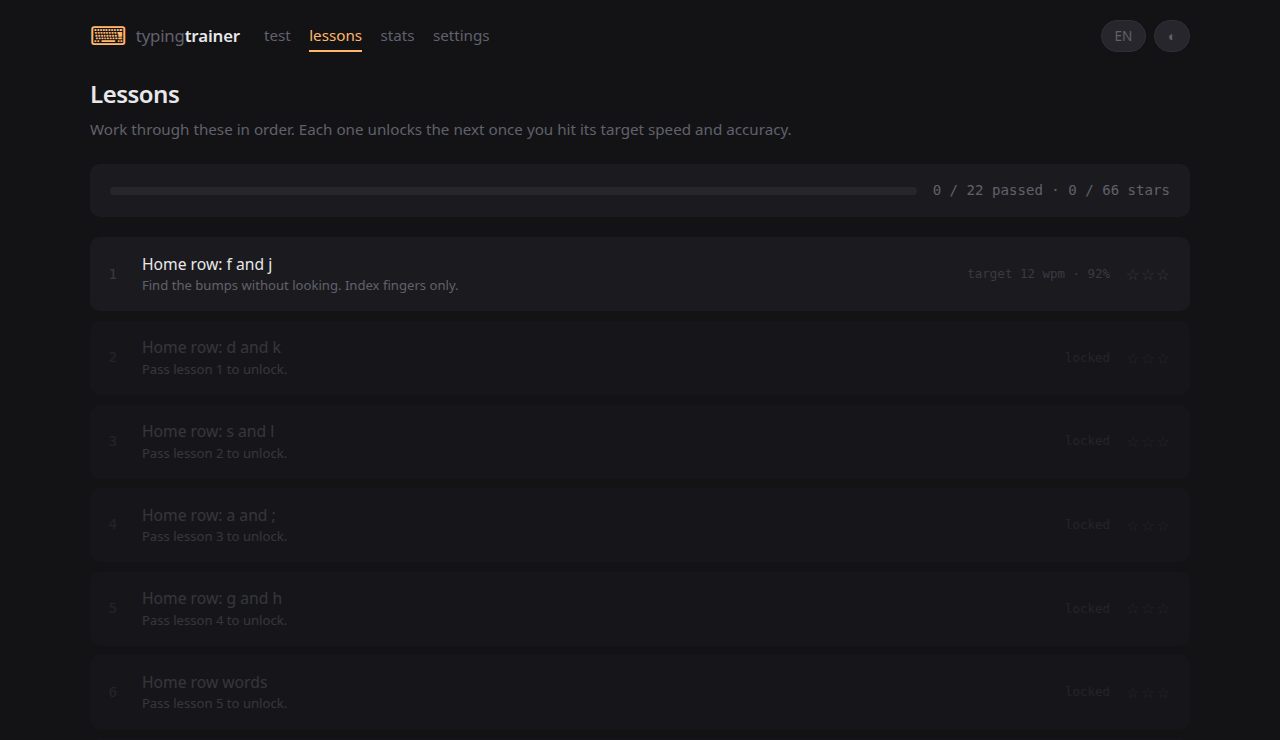
guided lessons
0
practice modes
0
accounts or trackers
how it works
learn. test. improve.
learn the keyboard
22 guided lessons.
see every result
speed, accuracy, consistency.
fix what is slow
automatic personal drills.
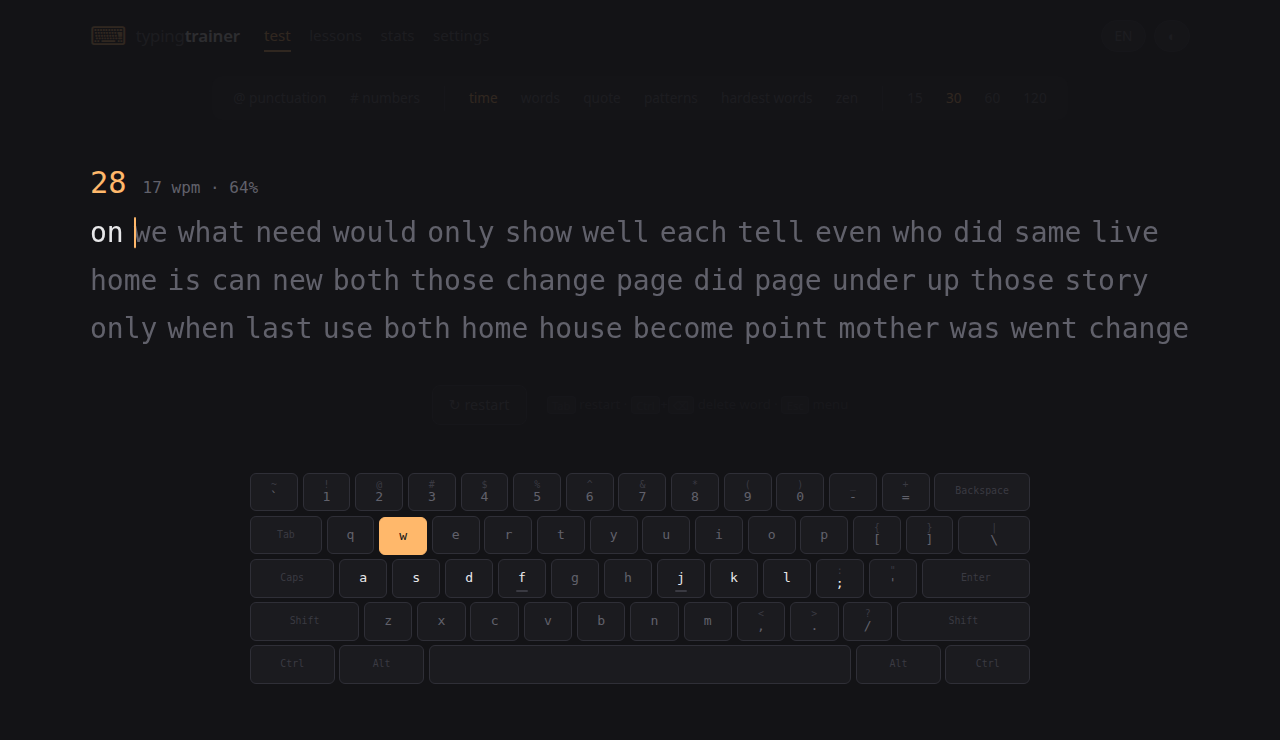
the real app
less explaining. more showing.
accurateerror-prone
what you get
the useful bits
adaptive drills
live stats
English + Spanish
offline + private
practice text
practice ideas, not filler.
questions
short answers
Is Typing Trainer free?
yes. free and open source under the MIT licence.
Where does Typing Trainer store my data?
nowhere. it stays in your browser and can be exported as JSON.
Does Typing Trainer work offline?
yes. after the first visit, the whole app works offline.
Which languages and keyboard layouts does Typing Trainer support?
English and Spanish, with common keyboard layouts, accents, and dead keys.